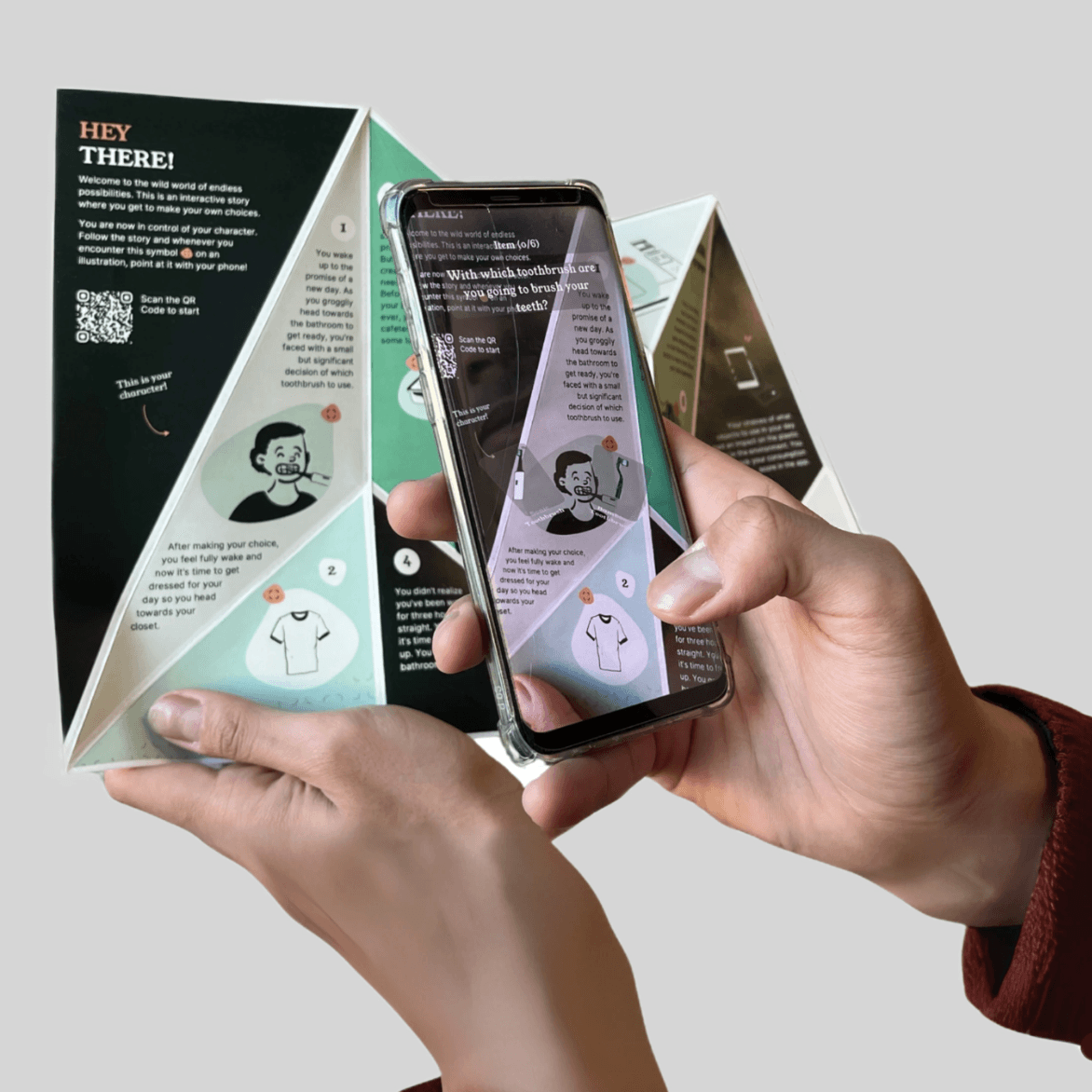


Designing a Trustworthy AI for assisting your
Physical therapy anytime.
Context
Two-day trustworthy
AI workshop
My Role
Concept design
Prototyping
iNTRO
There is a big problem currently...Shortage of therapists
This results in relying on other AI tools. It was researched that about 42% of people take help from such tools to rely on their everyday mental well-being. But this heavy reliance on AI raised some serious concerns:
Lack of
Transparency
A lot of time AI makes its own solution without backing it up with the data.
Artificial
Empathy
AI that acts too human can feel misleading, while purely functional chatbots feel cold. This creates discomfort instead of trust. So while designing it we need to be careful.
No medical
supervision
A lot of times, patient needs medical assistance, but these AI models give a solution without explaining how critical the situation is, so there is no medical supervision for them.
RESEarch
First we need to understand how
therapy sessions work?
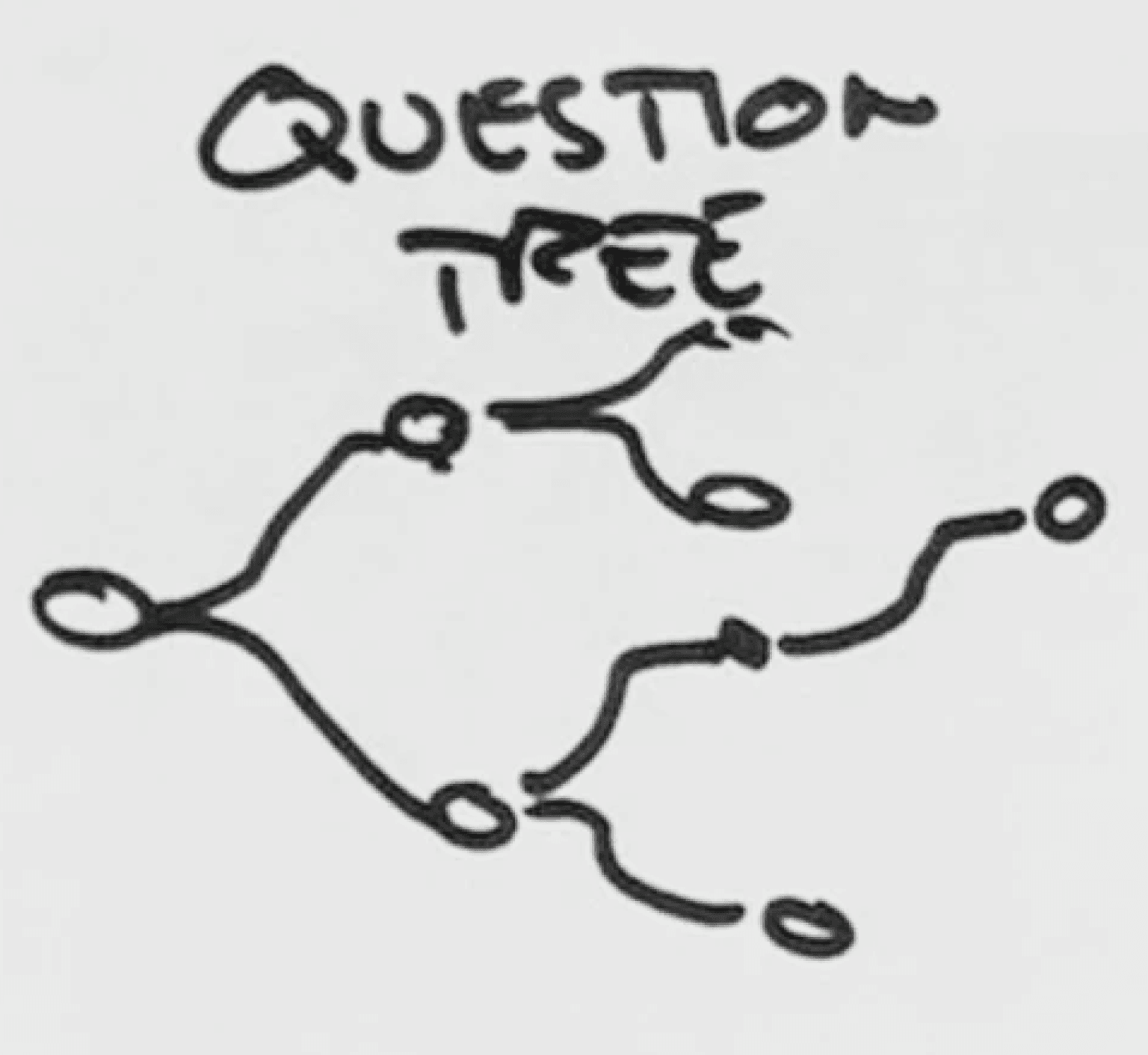
My personal experience of taking a lot of therapy after researching about it and generating interviews suggests that therapy usually works on a question tree format. For example, as your therapist asks questions with questions, and then you figure out the answer yourself
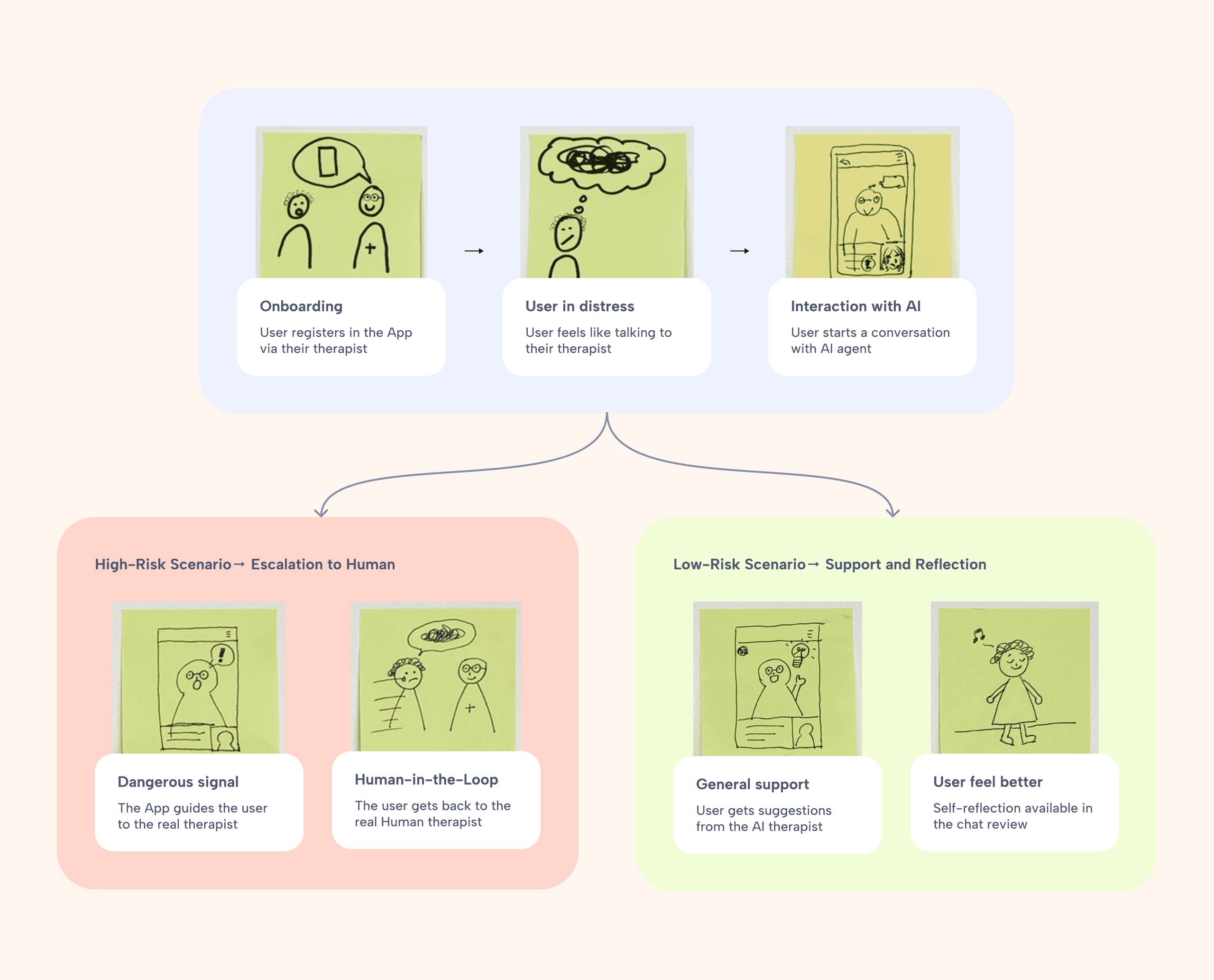
Then we tried to figure out different conversation scinarios with when chatting with AI
We figured out two scenarios, Low risk vs High risk.
DESIGN
Visual designing
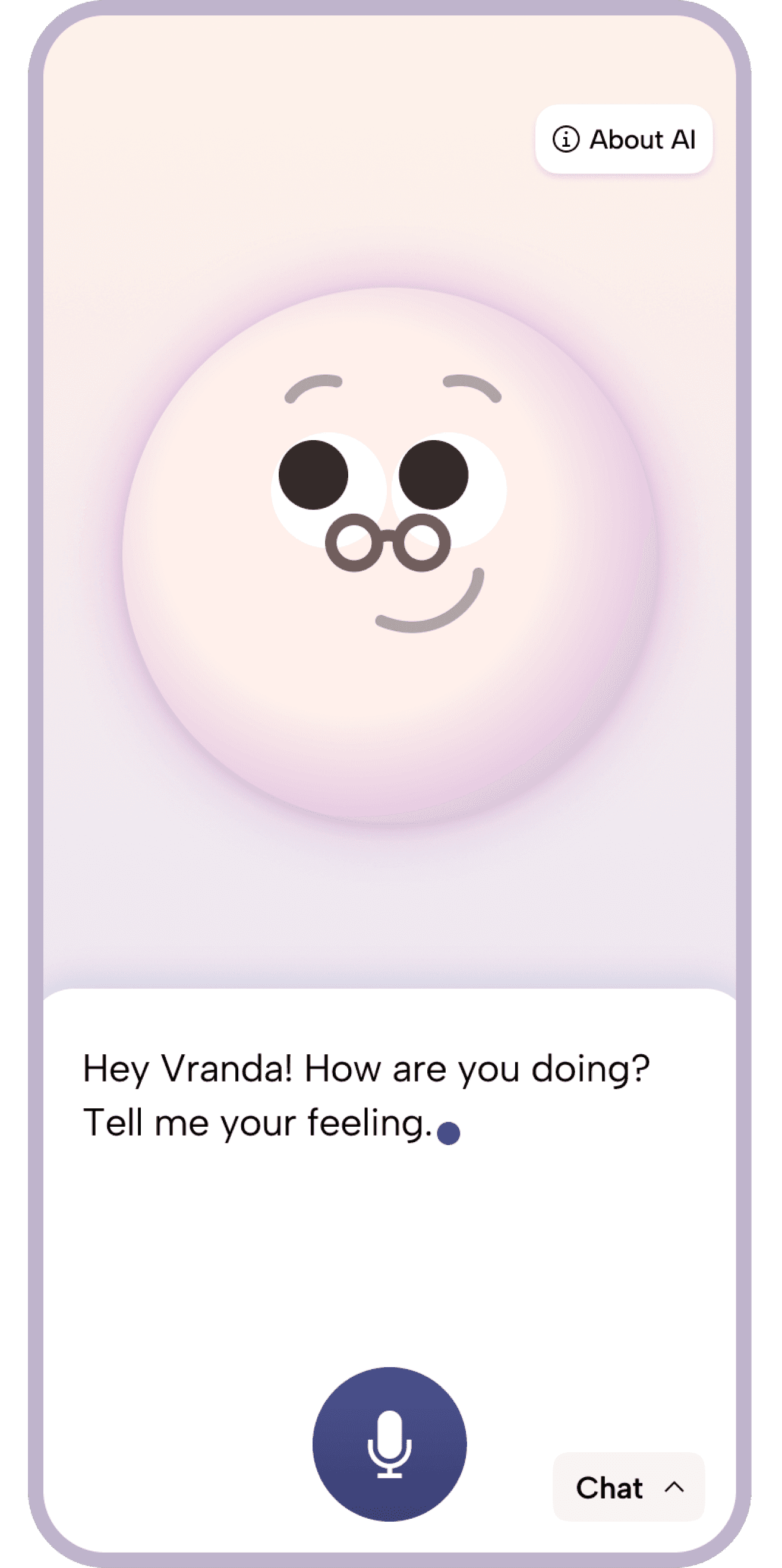
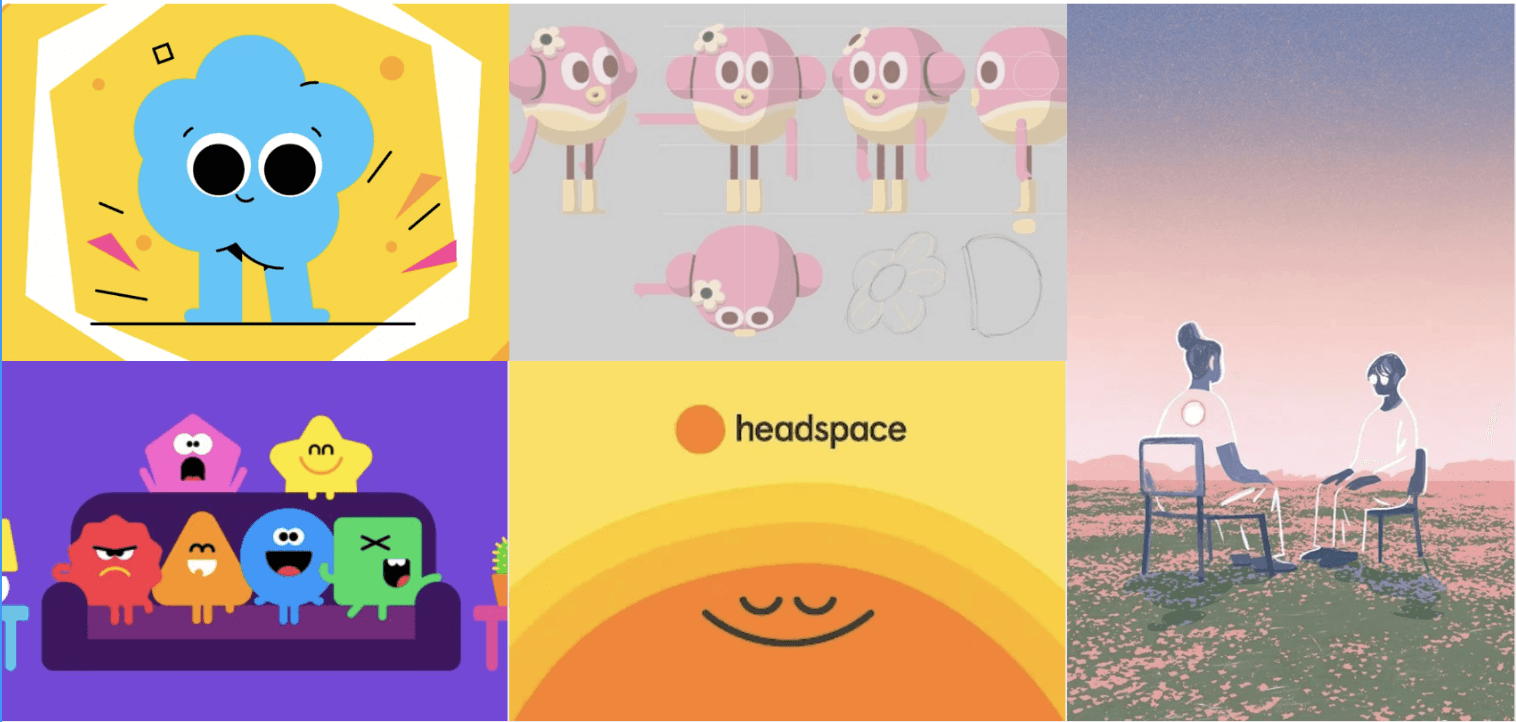
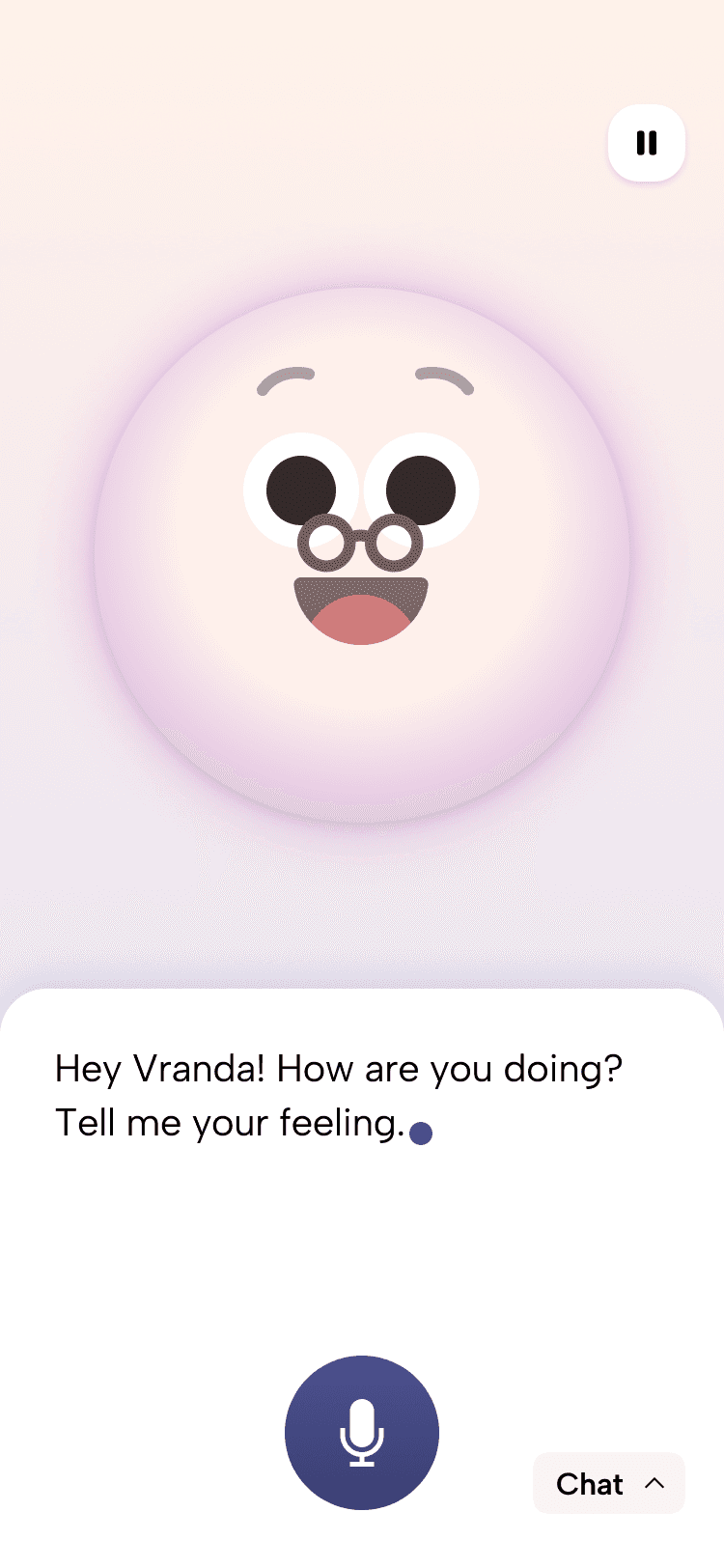
The goal was to avoid using a human face, as that wasn’t what we wanted the AI to represent.
At the same time, the visuals needed to feel fun and approachable. We explored soft shades
of pink and referenced existing therapy apps, which led us to create a gentle, 3D-like avatar
that feels warm without trying to replace a human.
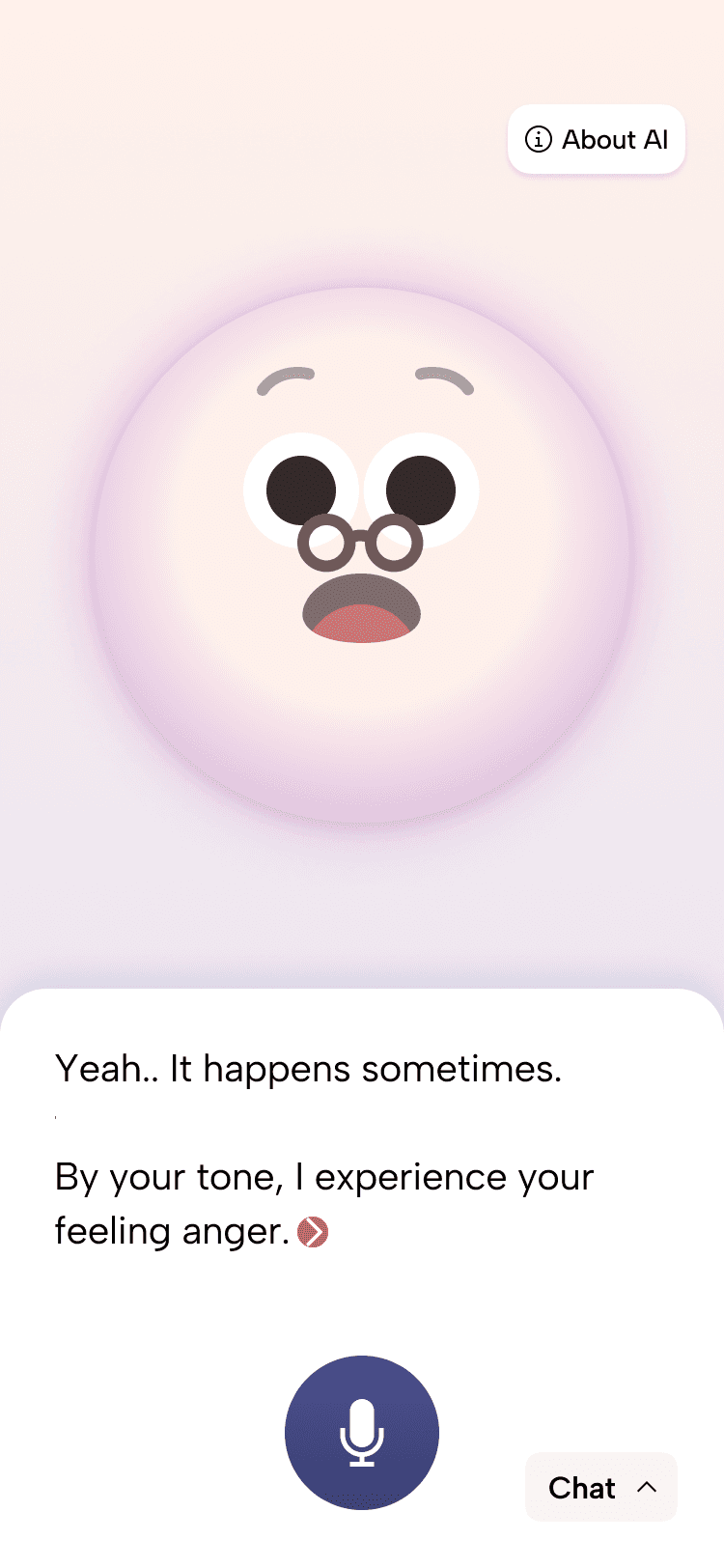
AI Chat design
Because this product deals with sensitive emotions, we represented the AI through a
character, designed to express empathy and build trust. Along with that an ‘About AI’
button is placed in the top-right corner gives users access to detailed information
about how the system works.
friendly 2D visuals to convey warmth and build trust
‘About AI’ button so that users can understand how system works.
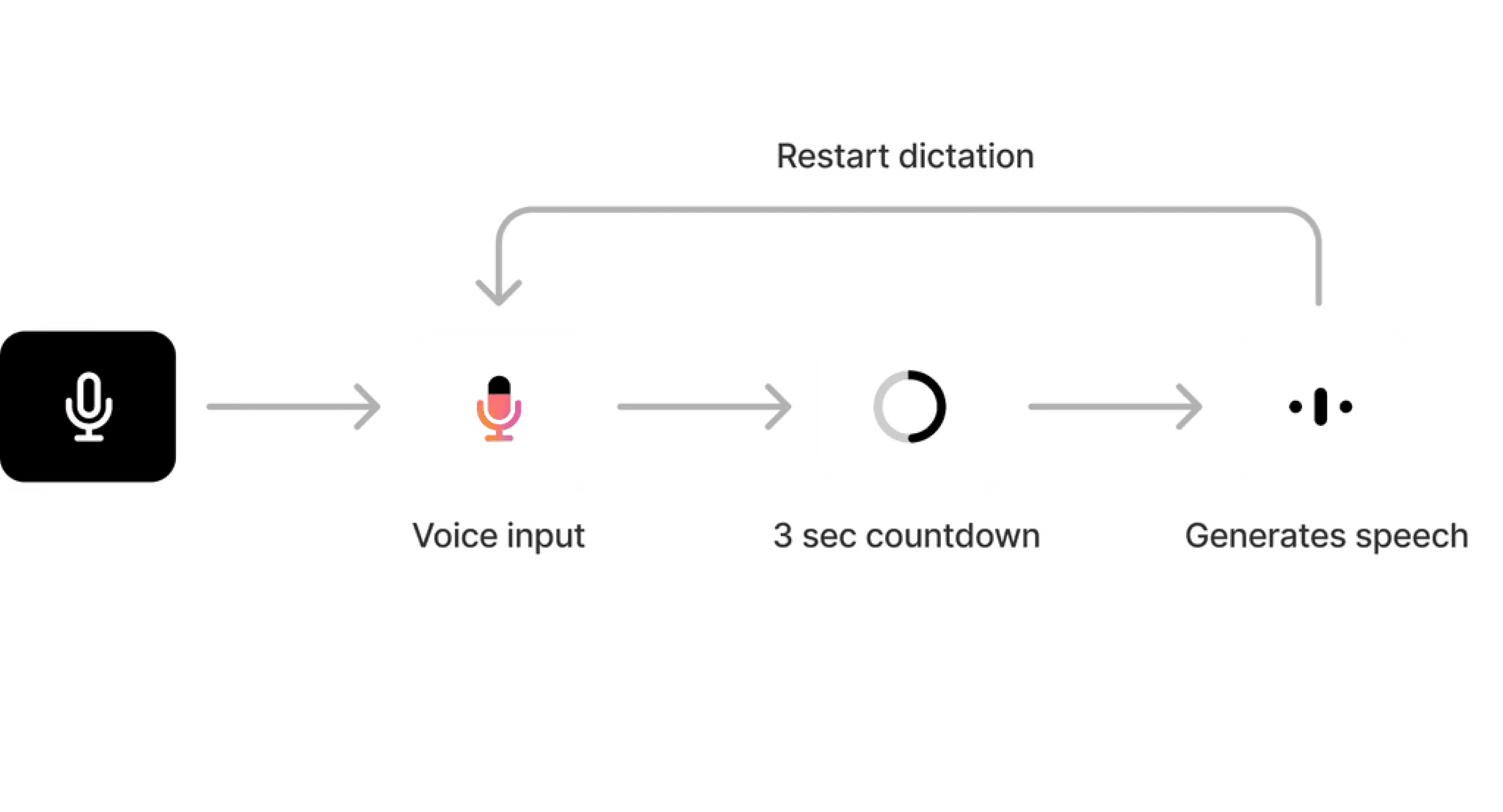
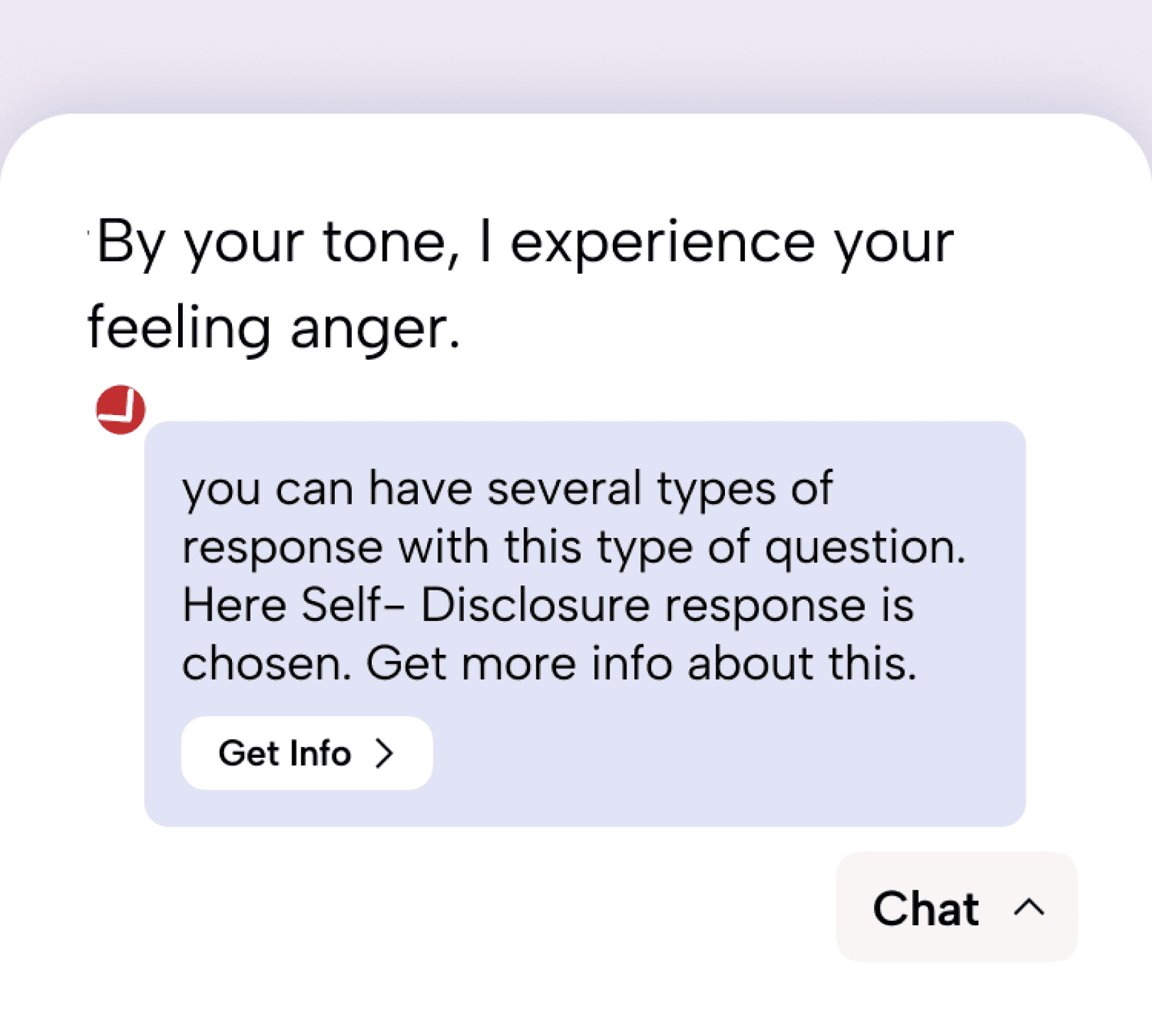
There is always a "Get info" button at the end of every chat, user can click on it to get more info.
Reveals why specific responses are generated
Adaptive response
The AI adapts its responses based on the user’s emotional state. When situations feel manageable,
it offers gentle guidance; when signals indicate deeper distress, it encourages seeking professional
support, without escalation or replacement of human care.
directed to therapist
Do you want me to send this review to your therapist?
Yes, Please
No, Thanks
In cases of sensitive emotional content, the AI acknowledges the concern, clarifies its limitations, and guides users toward professional help without escalation.
Solved with AI
When the system detects that the user is not in a critical state, it engages in
supportive dialogue to promote self-reflection and emotional relief.
When the system detects that the user is not in a critical state, it engages in supportive dialogue to promote self-reflection and emotional relief.
Feedback in the loop
After each session, the user is invited to reflect on their emotional state and rate how the conversation went.
Finally, users are given the option to share this session with a therapist. This creates a continuous feedback
loop between the user, AI, and therapist supporting emotional awareness, system accountability, and
potential human intervention when needed.
Real-Time Feedback Prompts
Rate before quit chatting
Emotion Recognition
Gentle Responses for Uncertainty
Trust building by adding interruption freatures
Trust building by adding interruption
freatures
To ensure emotional safety during sensitive interactions, the AI agent responds to unexpected disruptions
with clear visual cues and gentle guidance, maintaining continuity and reinforcing user trust.
To ensure emotional safety during sensitive interactions, the AI agent responds to unexpected disruptions with clear visual cues and gentle guidance, maintaining continuity and reinforcing user trust.

When the network disconnects, an alert notifies the user to check their connection.
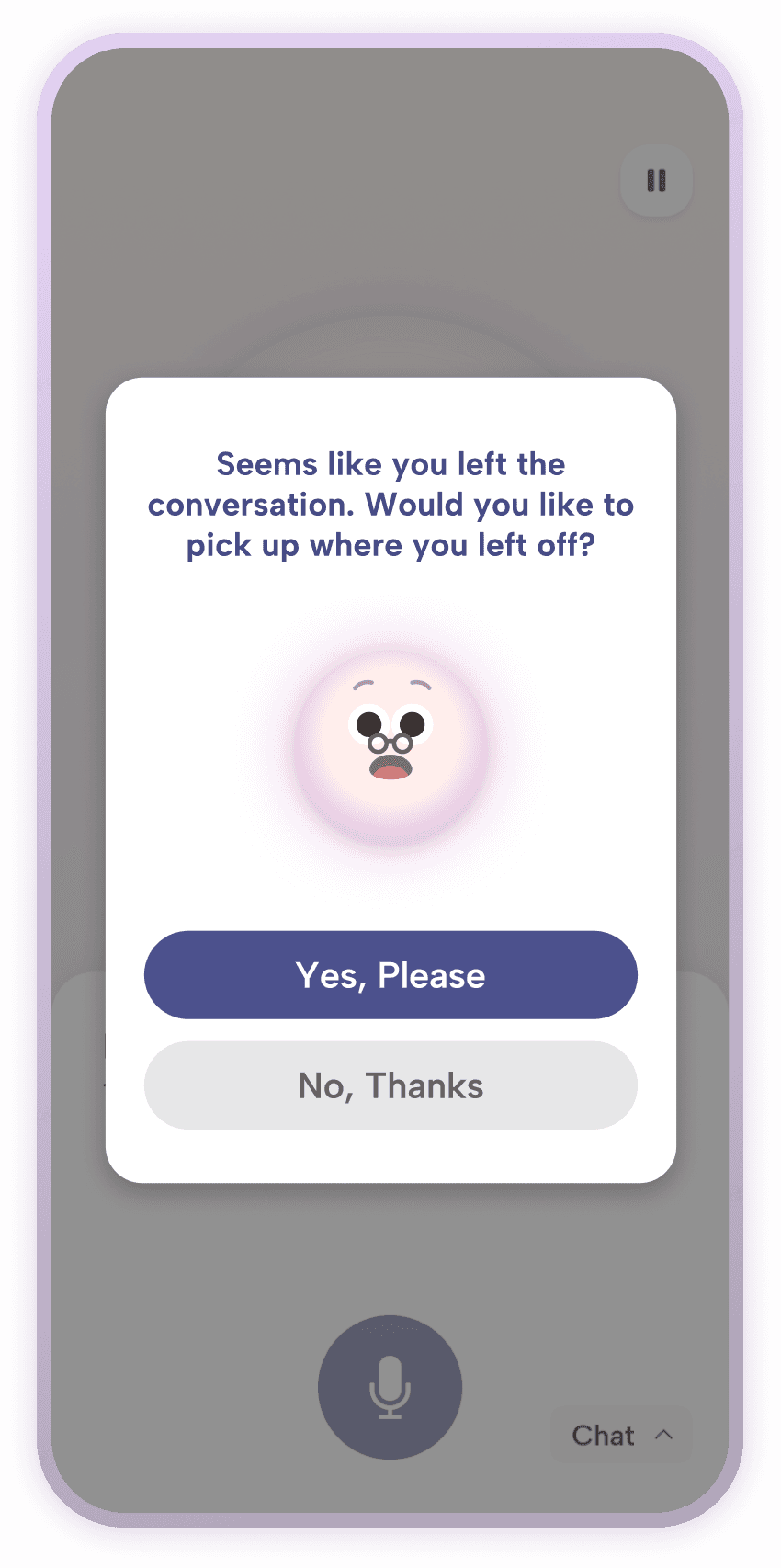
If the user exits the screen accidently, the system saves the conversation. A modal then asks if they want to continue when they return.
REFLECTION
What I learned:
Using AI in medical requires a lot of undertandig of norms and regulations. Make sure its alwaws informing the doctor in case of serious problems
It can significantly help the users if designed properly.
Back to top?